
cSploit
Tools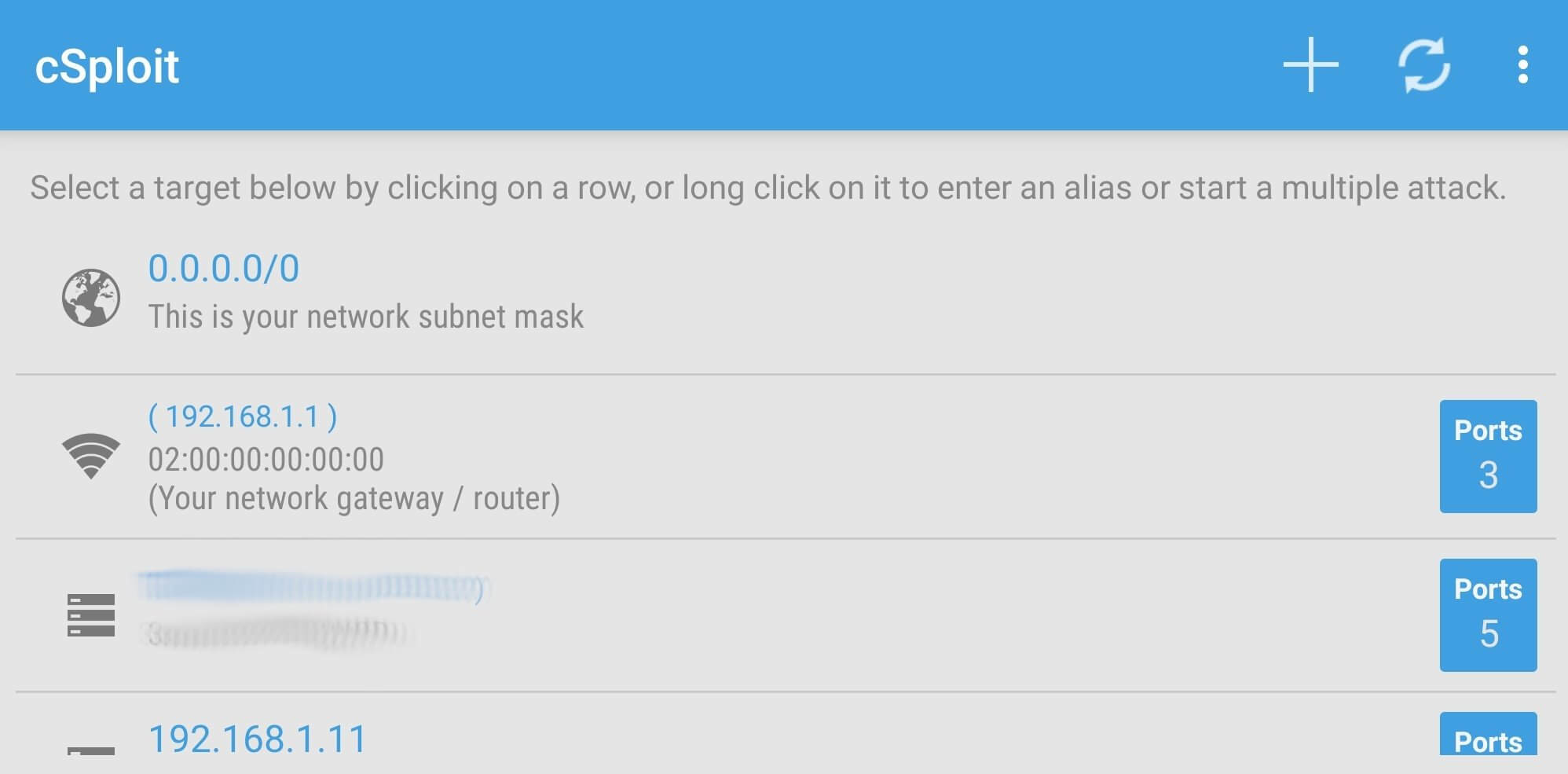
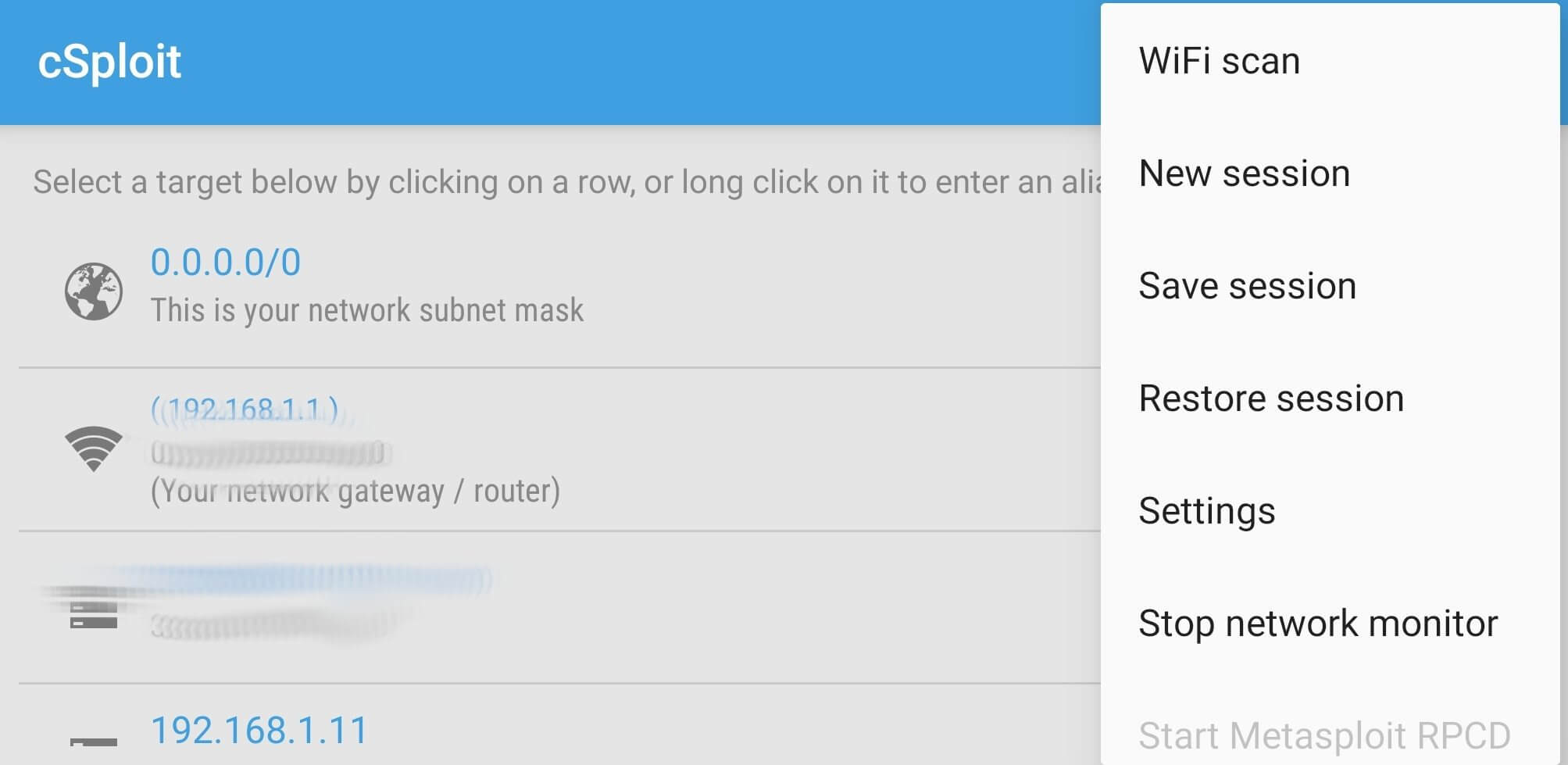
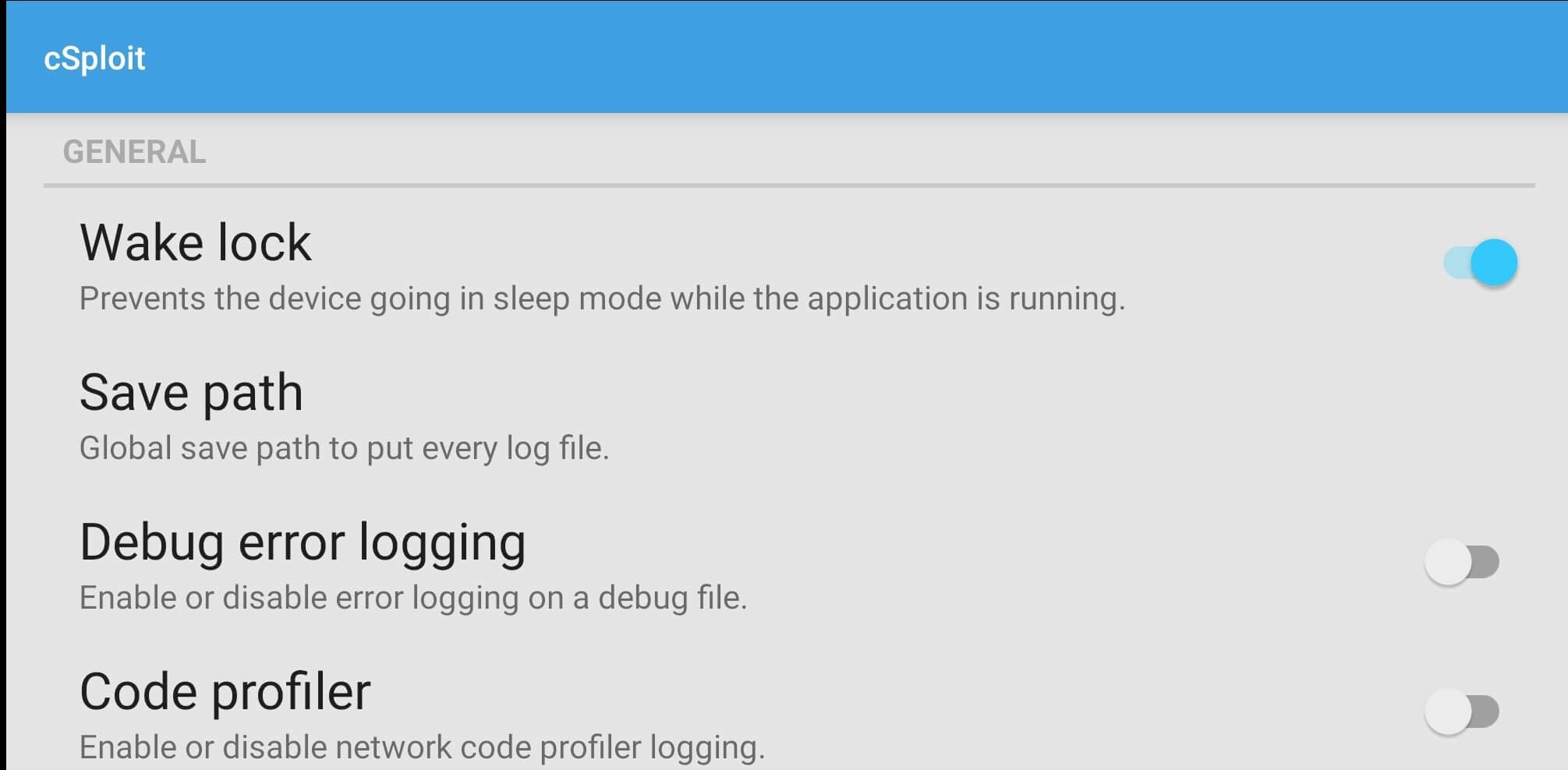
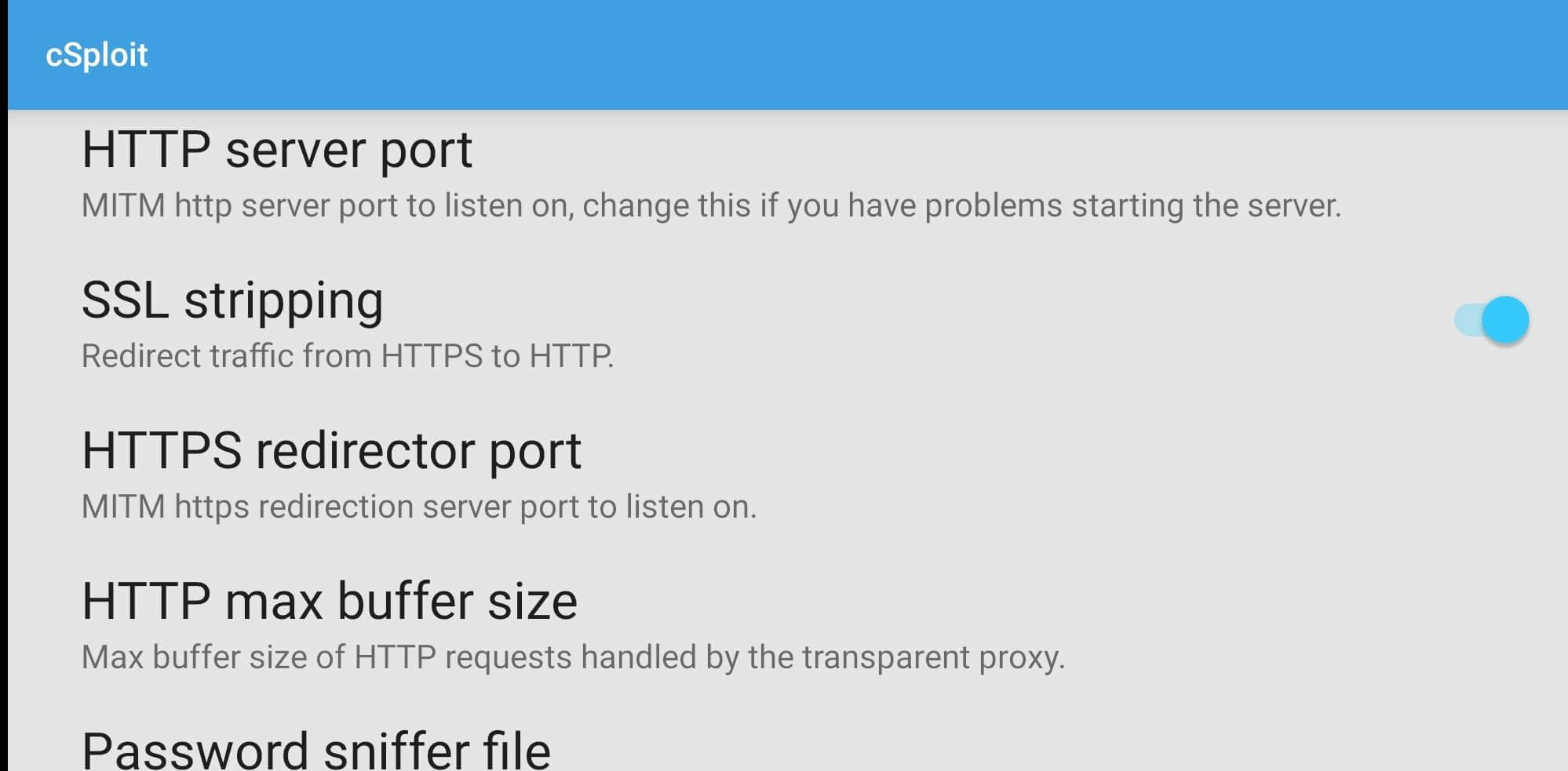
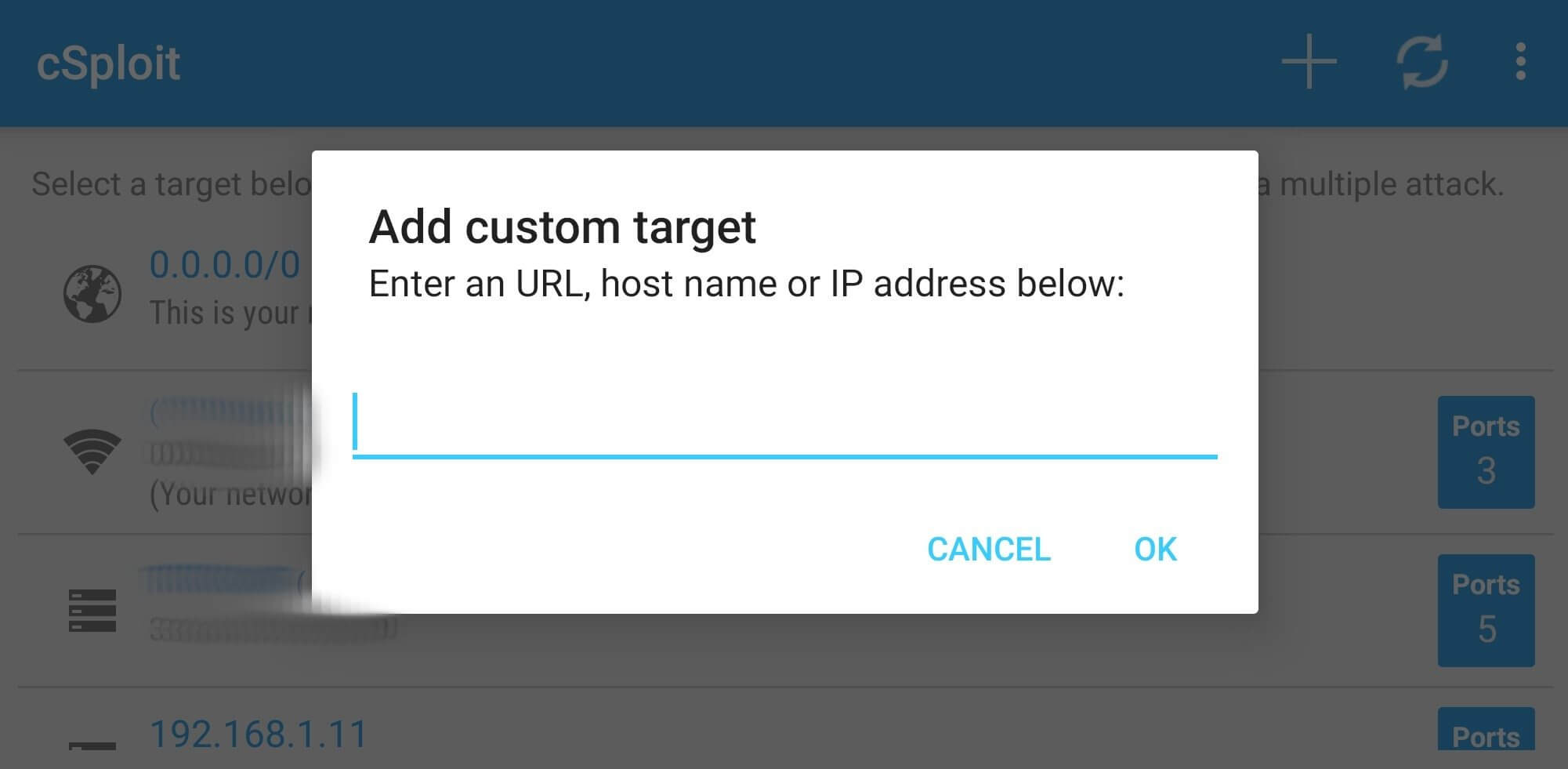
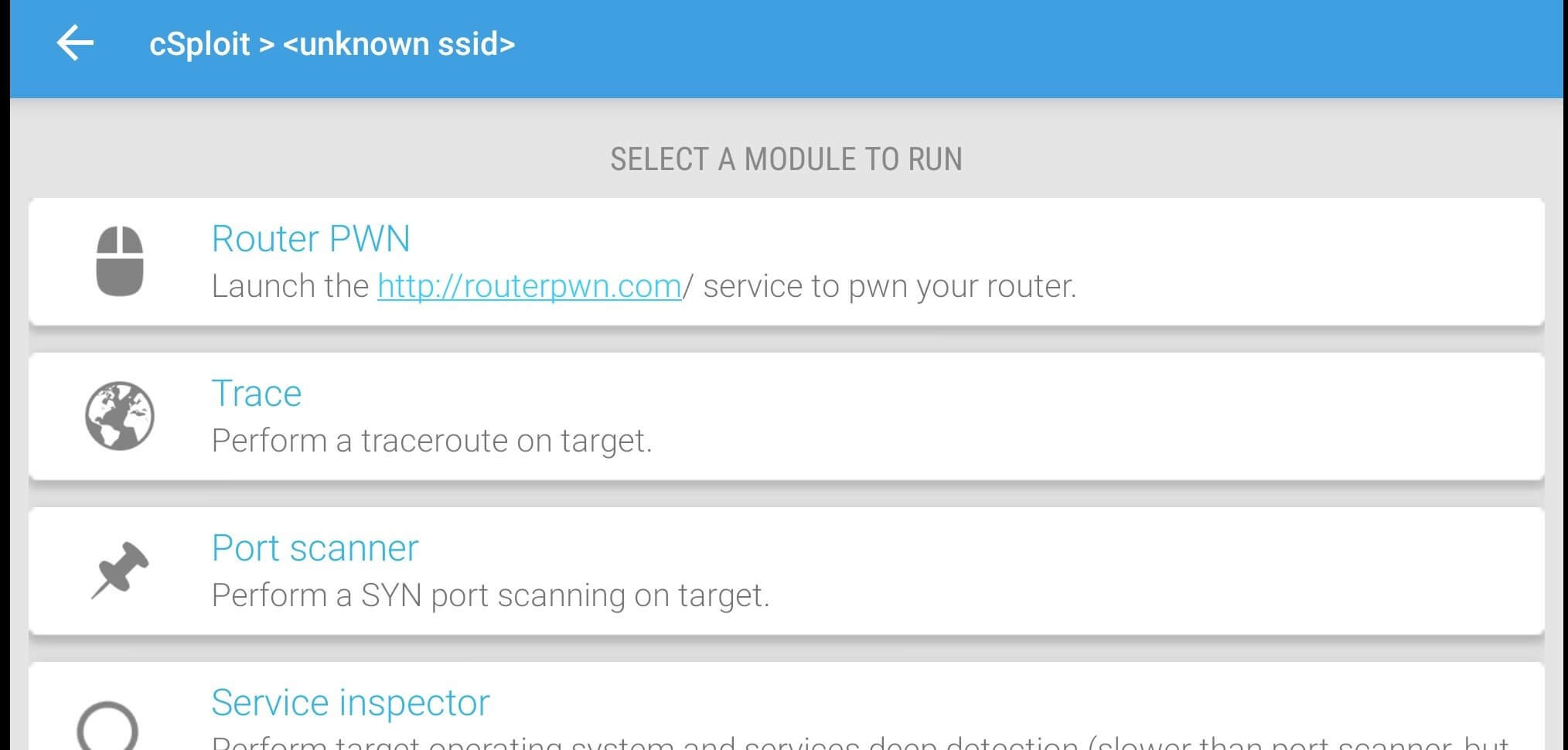

cSploit is an Android application designed for network security testing. It brings a range of reconnaissance and vulnerability‑assessment tools to your smartphone, allowing security professionals and hobbyists to examine Wi‑Fi networks, discover hosts, and identify open services directly from a mobile device.
This page provides the latest official build information, installation steps, and practical tips for getting the most out of cSploit on Android.
Quick Information
| App/Game Name | cSploit |
| Latest Version | 1.6.6 |
| Developer | Not listed |
| Category | Apps / Tools |
| App Size | 3 MB |
| Package Name | org.csploit.android |
| Last Updated | 27 April 2026 |
What Is cSploit?
cSploit functions as a portable penetration‑testing suite. Its core capabilities include network discovery, port scanning, service enumeration, and basic vulnerability checks. The app bundles several modules that can be combined to map a local network, detect insecure configurations, and generate simple reports. It is aimed at security researchers, ethical hackers, and anyone interested in learning about network weaknesses. Because it runs on Android, it is useful for on‑the‑go assessments where a laptop may not be available.
Compatibility
Compatibility
| Android Version | Not Verified |
| Architecture (ARM64 / 32-bit) | ✓ Verified — Supports common device architectures |
| Internet Connection | ✓ Verified — May be required for ads, updates, or login |
| Storage Needed | Not Verified |
| OBB/Data Files | Not Verified |
| Root Required | Not Verified |
How to Install
- Enable Install unknown apps for the browser or file manager you will use (Settings → Apps → Special app access → Install unknown apps).
- Download the cSploit APK file to your device.
- Open the downloaded file and tap Install. Wait for the installation to finish.
- Launch cSploit from the app drawer. Grant any requested permissions, such as location access, which is required for Wi‑Fi scanning.
Troubleshooting
- App not installed: Verify that the APK is compatible with your Android version and that unknown sources are enabled.
- Crashes on startup: Clear app data (Settings → Apps → cSploit → Storage → Clear data) and restart the device.
- Network modules not detecting devices: Ensure location services are turned on and that Wi‑Fi is connected to the target network.
- Permission issues: Re‑grant location and storage permissions via Settings → Apps → cSploit → Permissions.
Safety & Security
cSploit is an open‑source security tool. While the app itself does not contain malicious code, it performs actions that can be flagged by security software if used on a device with strict policies. Always download the APK from a reputable source, review the permissions it requests, and avoid entering personal credentials into the app. Using cSploit on networks you do not own or have explicit permission to test may violate local laws.
How cSploit Compares
| Feature | cSploit | Fing | Wireshark (Android) |
|---|---|---|---|
| Price / Free model | Free, open‑source | Free with optional premium | Free (requires root for full capture) |
| Platform availability | Android only | Android, iOS, Windows, macOS | Android (via third‑party ports) |
| Standout feature | Integrated set of penetration‑testing modules | Fast network device discovery | Deep packet inspection and live capture |
| Best for | Security testing and vulnerability scanning | Quick network inventory | Detailed traffic analysis |
Alternatives
- Fing – Network Tools: Provides fast device discovery, ping, traceroute, and port scanning with a polished UI.
- Network Analyzer: Offers network diagnostics, Wi‑Fi signal analysis, and basic port scanning, suitable for casual users.
- zANTI – Penetration Testing Toolkit: A comprehensive suite for network assessment, including MITM attacks and vulnerability scanning.
Final Verdict
cSploit is a solid, free option for anyone who wants a portable penetration‑testing toolkit on Android. It shines for network discovery and basic vulnerability checks, though it requires some technical knowledge to interpret results. Ensure your device runs a recent Android version, grant the necessary permissions, and only test networks you are authorized to assess.
Frequently Asked Questions
The APK itself is not malicious, but it performs network scanning actions that can be flagged by security software. Download it from a trusted source and review the permissions before installing.
cSploit works on Android 5.0 (Lollipop) and newer, though newer versions provide better Wi‑Fi scanning support.
Root is not required for basic network discovery and port scanning, but some advanced modules may need elevated privileges.
cSploit can scan local Wi‑Fi networks without an internet connection, but online vulnerability databases will be unavailable without internet access.
This usually means the APK is incompatible with your Android version or that unknown‑source installation is disabled. Verify compatibility and enable the setting in your device’s security options.
You should only test networks you own or have explicit permission to assess; scanning or exploiting other networks without consent can violate laws.